Halden
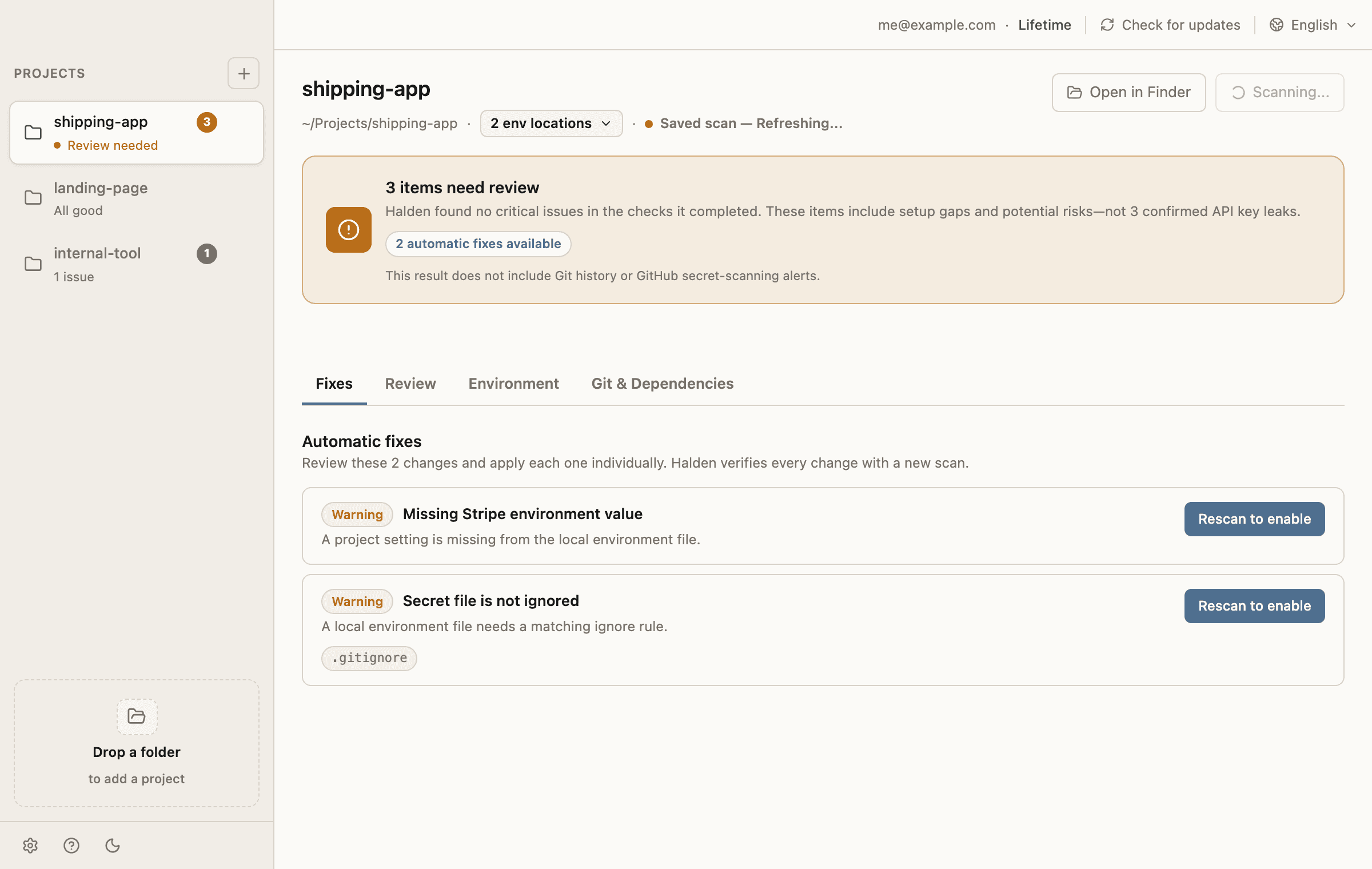
Check your first local project for exposed API keys before you deploy. Halden scans code, env files, gitignore gaps, and project setup on your device, then shows the fixes that matter before a secret reaches GitHub, cloud sync, or production.
Source code and env values stay on your device. Lifetime unlocks additional local projects for the same account.
Built for the project you just generated
Halden assumes the app is local, fast-moving, and probably touched by AI. The workflow stays focused on preventing expensive API key mistakes before secrets leak into code, git history, cloud sync, or deployment.
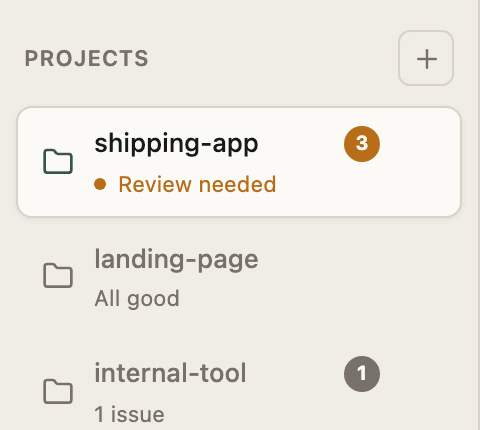
Scan the project folder
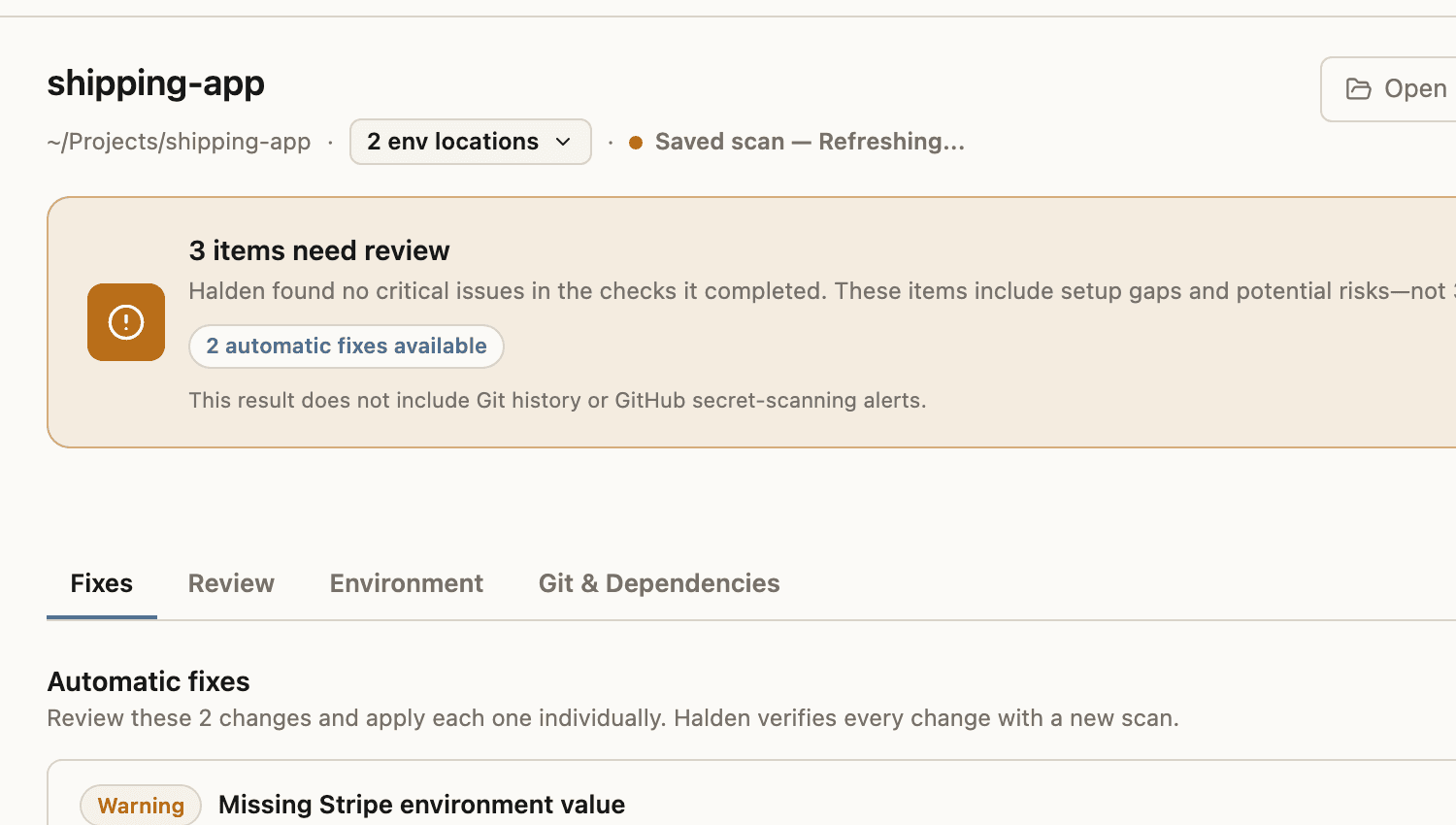
Drop a local app folder. Halden checks source files, env files, gitignore gaps, template drift, cloud-sync exposure, and common package risks.
Fix secrets locally
Move hardcoded values into .env files, create missing templates, and keep secret files out of git without copying commands into a terminal.
Know what still needs rotation
When a key has already been exposed, Halden keeps the required manual follow-up visible instead of pretending the file edit was enough.
Works across common AI-built stacks
Halden detects app structure and framework icons from the project itself, then scans the env files and source paths that matter.
Start with one project, upgrade when Halden becomes part of your workflow
The desktop app enforces the same limit locally and on the Rust command boundary: Starter protects 1 project, Lifetime unlocks more.
Create an account and protect one local project.
- ✓Scan source and env files
- ✓Apply local fixes
- ✓Review required key rotation
One license for every local project on this account.
- ✓Unlimited project list
- ✓Same local-only secret handling
- ✓Future Halden desktop updates